Your captions are ready
12 posts are ready for review.



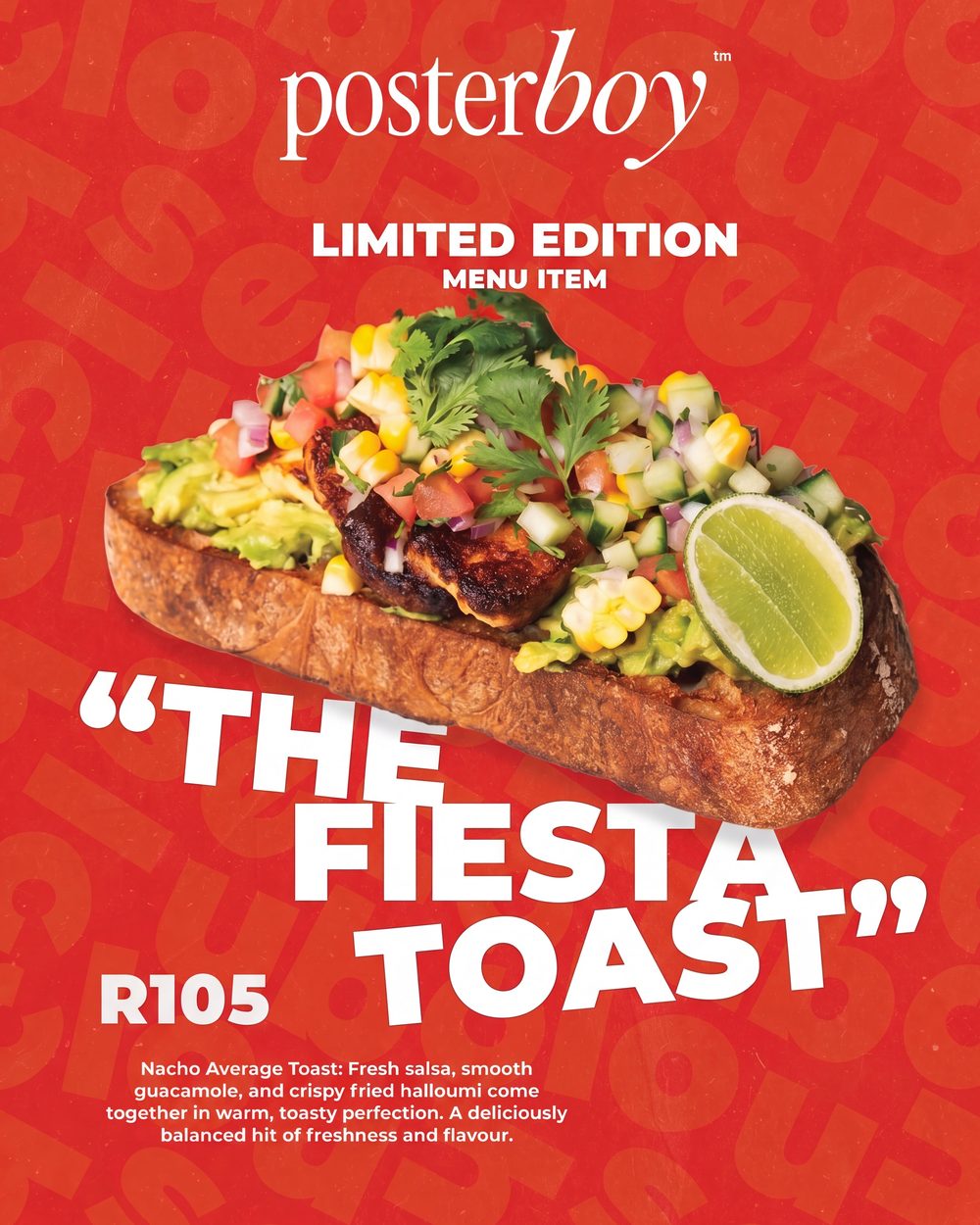
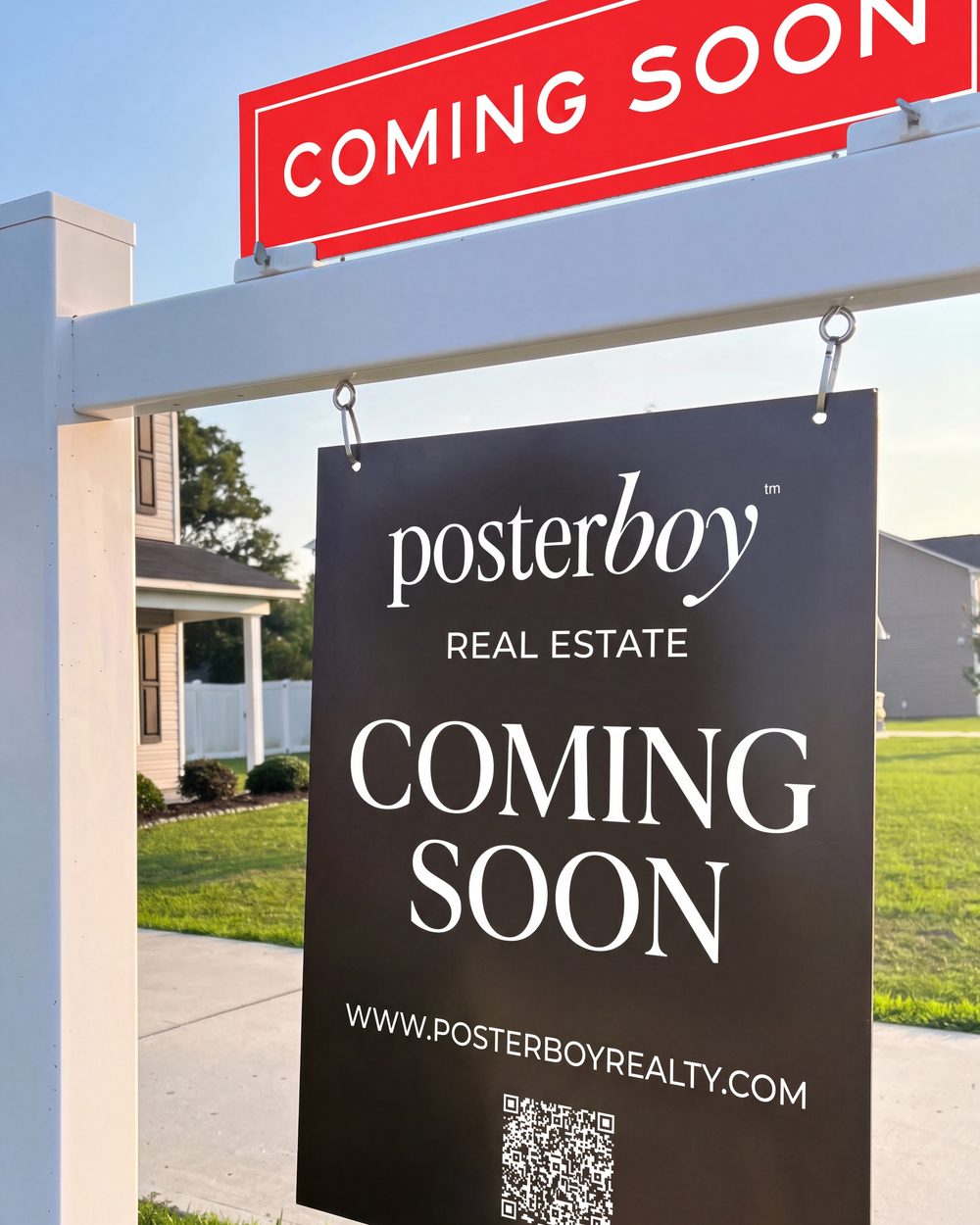
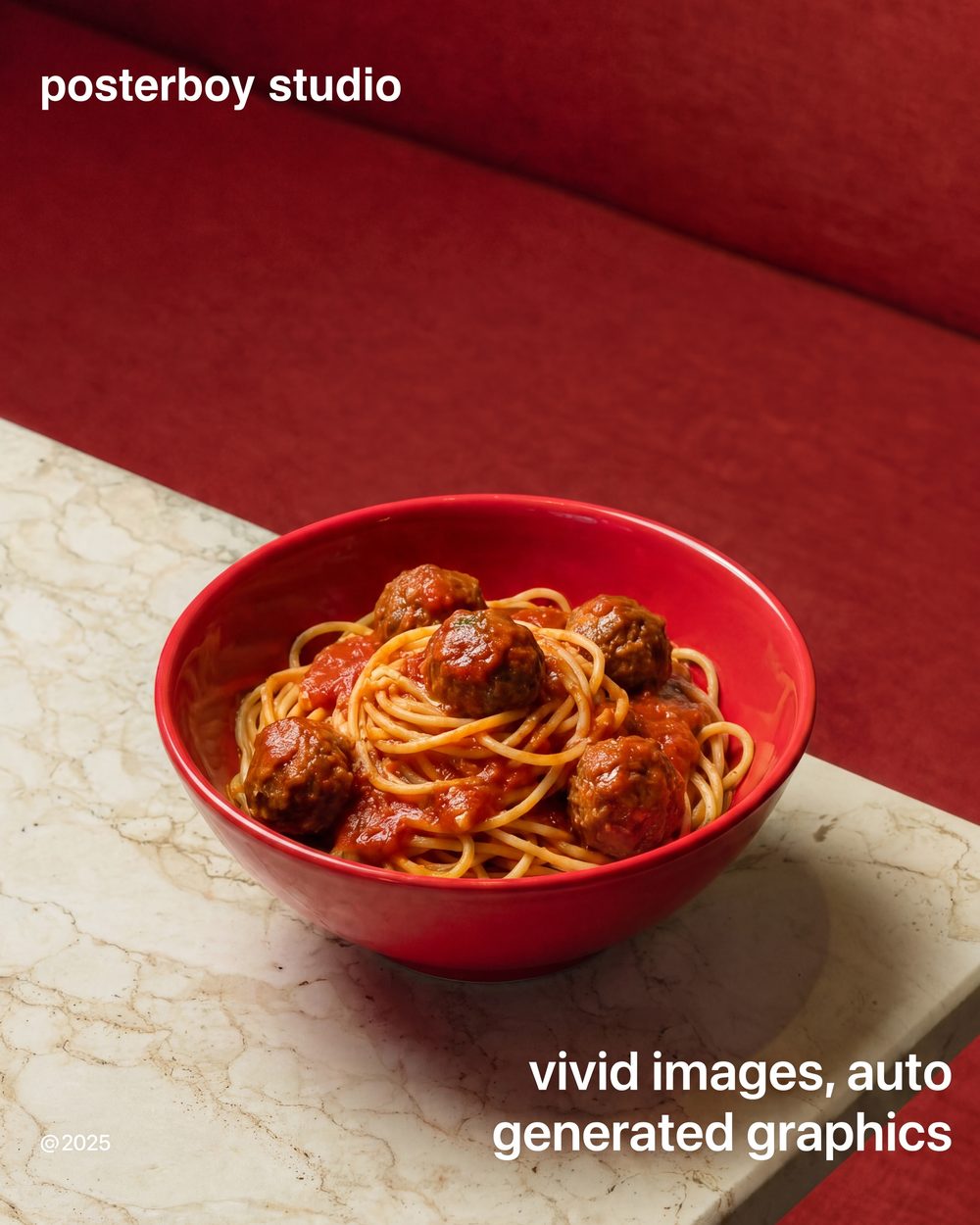
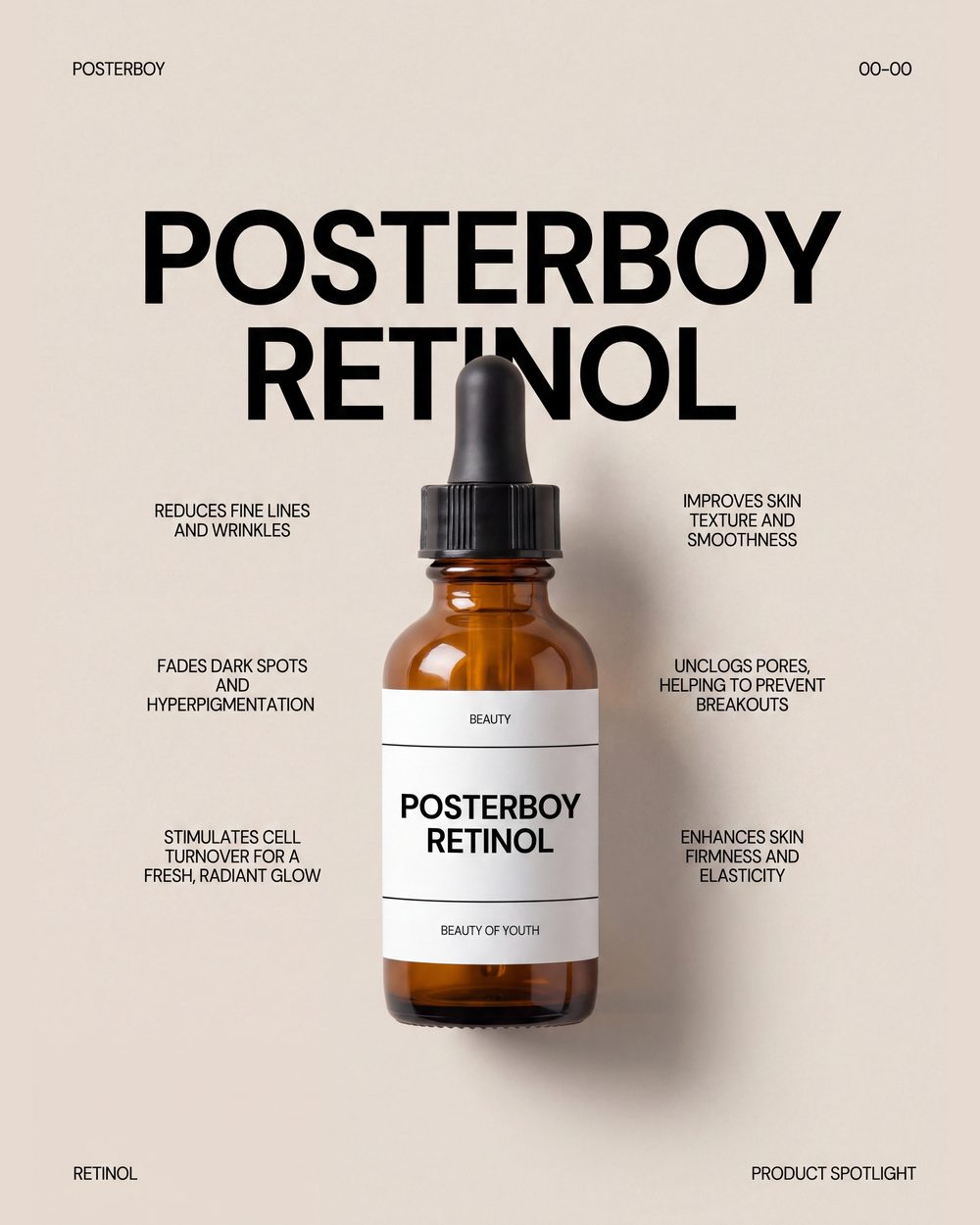
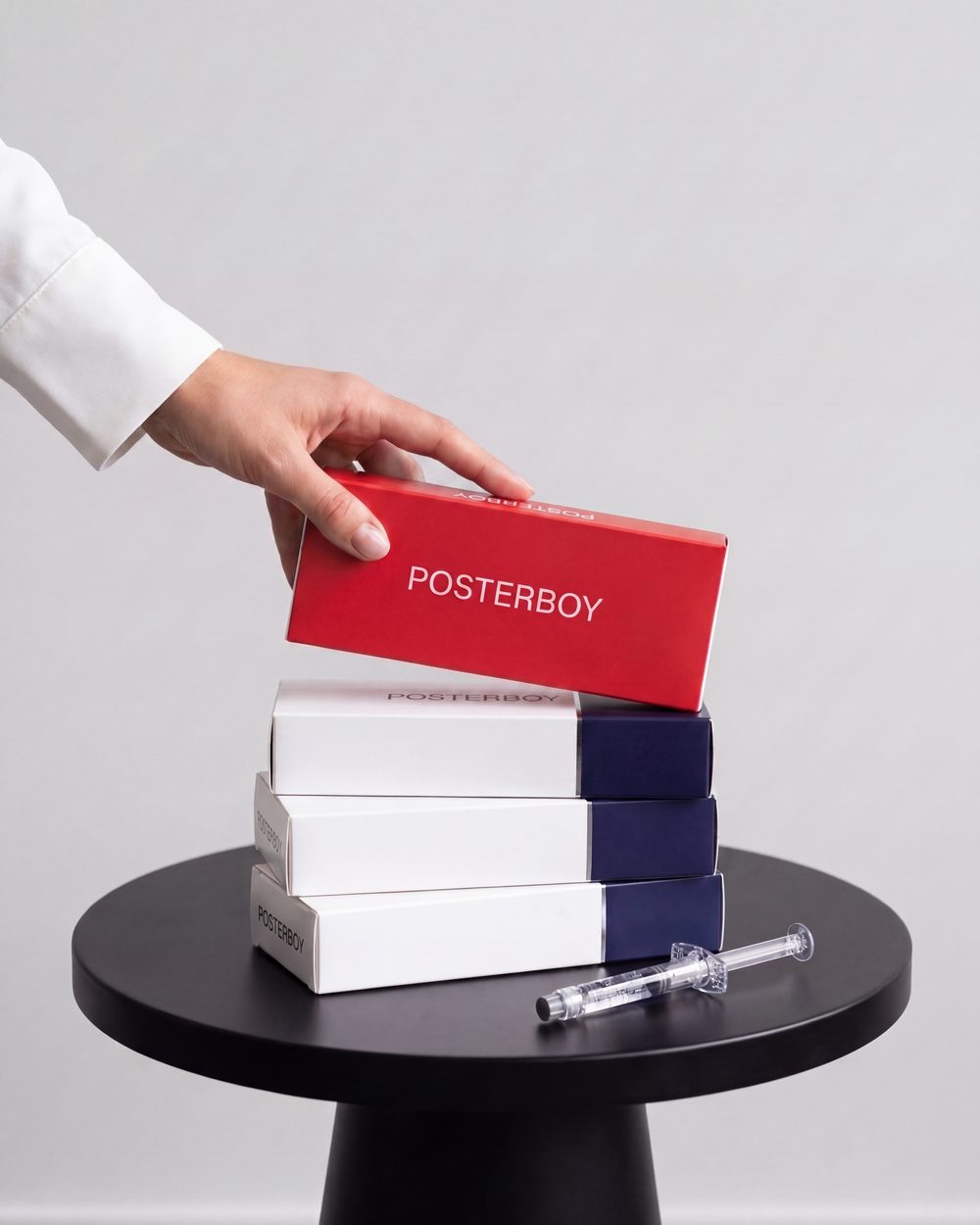
Posterboy learns your business, creates the posts, writes the captions, and handles the calendar — so you don’t have to.
Photos, a listing, a service, a product, an event, a random idea. Posterboy turns it into polished, on-brand social content without making you learn how to prompt, design, write, or schedule.
Because “good enough for AI” is not good enough. Posterboy creates professional, branded content that actually feels like your business — not generic templates, stock graphics, or the same post everyone else is making.
High-quality content. Every plan. Every time.
Creator Studio turns simple requests into polished social creative. No prompt engineering. No design software. No staring at a blank screen. Just tell Posterboy what you need.
Posterboy takes it from there.
Drop in 30 photos. Posterboy analyzes each one, writes the content, keeps the voice consistent, and gets everything ready to schedule. Then tell it: post three times a week. Posterboy fills the calendar.
30 photos
“Tonight’s special is gone by seven. You have been warned.”
“Limited edition. Back for one week only.”
+ 28 more, one for every photo
Thirty days of content without spending thirty days thinking about content.
Posterboy learns your business so you don’t start from scratch every time you need a post. It remembers the things that actually matter:
Then it uses that context automatically — without making you manage a brand system.
You’re all caught up.
12 posts are ready for review.
Your August content is ready to schedule.
12 posts have been scheduled.
Weekend Brunch goes live soon.

Published to Facebook and Instagram.

All scheduled posts published successfully.
Your next post is scheduled for Monday.

You shouldn’t have to drag posts around trying to decide whether Tuesday at 10:14 AM is somehow better than Wednesday.
Pick your posting frequency. Posterboy distributes your content across the calendar and keeps things moving.
Done means done.
Once your content is ready, Posterboy puts it on the calendar, publishes it on time, and keeps you informed along the way.
Know exactly when every post is going out.
See when your content is live without checking Facebook or Instagram.
When something needs a second look, Posterboy tells you what happened and what to do next.
NO GUESSING. NO CALENDAR BABYSITTING.
And somehow you’re also supposed to remember what to post on Instagram.
Posterboy is for that person.
Real estate. Restaurants. Med spas. Salons. Retail. Fitness. Local services. And anyone else who would rather be doing literally anything besides managing social media.
Posterboy is built to make social media smaller, not bigger.
For a business owner or small team managing one brand and one shared calendar.
For multi-location businesses, larger social teams, and agencies managing several accounts.
Try Posterboy free for 14 days.
NO WATERED-DOWN TRIAL MODE.
Posterboy started because my mom kept asking me to make her posts.
She’s a real estate agent. She didn’t want analytics. She didn’t want a content strategy. She didn’t want another dashboard to learn. She wanted good posts made, scheduled, and off her plate.
After about a decade working in marketing and managing social media myself, I realized something: she wasn’t the exception. She was the customer. So I built Posterboy.
— Bradly, who built it
No. That is very much the point.
You stay in control of what gets scheduled and published.
Point it at your website, or just tell it what you do. Posterboy keeps what it needs to make good posts — what you sell, who you serve, how you sound — so you are not re-explaining the business every time you need something.
Yes. Upload what you already have and Posterboy helps turn it into usable content.
Yes. Creator Studio can create professional social content from simple instructions.
Yes, and it uses what Posterboy knows about your business to keep them consistent with your voice.
No long-term contract.
Yes — Facebook Pages and Instagram Business accounts.
Yes. Tell Posterboy how often you want to post and it helps distribute content across your calendar.
That is specifically what Posterboy is built to avoid.
Command is Posterboy for organizations with multiple locations. Each location gets its own brand details, calendar, and social connections while the central team keeps shared assets, approvals, and visibility in one place.
No. It’s software built to help you handle the work without hiring one.
